MWApp — your Maritime Welfare Assistant

EN RU

A progressive web app that turns "where do I even start" into a live, personal guide to every port — no install, no account wall, and it keeps working even with no signal at all.

How to install MWApp on your phone

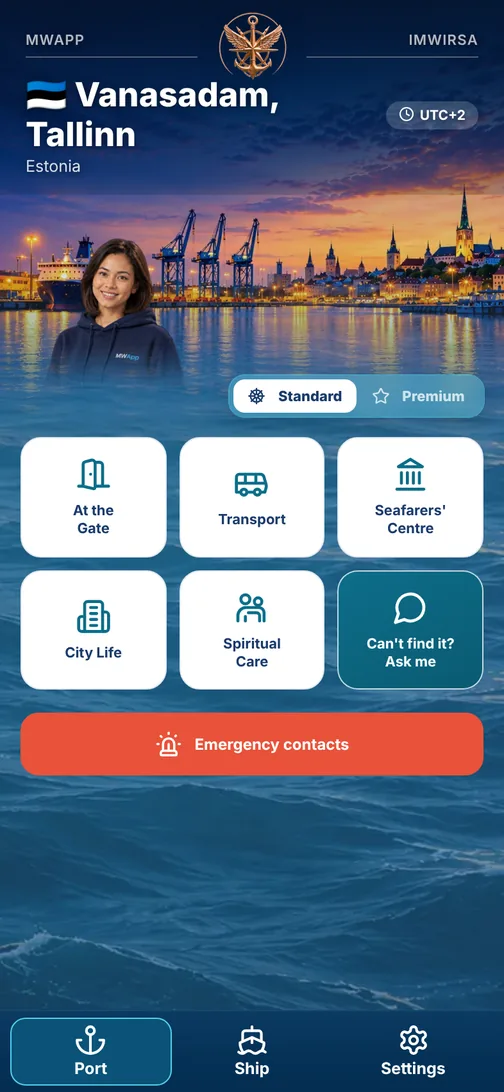
MWApp home screen: Vanasadam terminal, Tallinn
MWApp Overview

One app, everything a port arrival needs

MWApp is IMWIRSA's flagship product: a progressive web app (PWA) — it runs straight in the browser, with no app-store install and no account to create. Choose a language and an assistant, and the card of the terminal where your ship is berthed opens: what's at the gate, how to get into town, where the seafarers' centre is and whom to call in trouble.

A checked port card

At the gate, transport, seafarers' centre, city life, emergency numbers — built from open and partner sources and checked on the spot by a coordinator.

A coordinator on the spot

Every port card is checked by an MWApp Port Coordinator who knows the port first-hand.

Help in trouble — straight away

If a seafarer writes about trouble, the assistant at once shows this port's emergency number and SeafarerHelp (ISWAN) — 24/7 and free. Works without internet too.
The Case For MWApp

Why MWApp?

Because right now, finding real help in an unfamiliar port depends on luck — who you ask, whether they speak your language, whether the info is even current.

Port stays keep shrinking

Turnaround times are falling. A seafarer with two hours ashore can't afford to search.

One tool, every port

The same app, the same logic, wherever the ship calls next — not a different flyer each time.

In your language

English, Russian, Turkish, Filipino and Indonesian — chosen from real crew make-up.

Works offline, too

The first time the app is opened with a connection, it saves the cards of all its ports on the phone. After that they read with no signal, and changed cards are quietly downloaded again whenever there is a connection. Emergency numbers, what to do, and the assistant's help in trouble also work without internet.

Human behind the data

Every card is checked by a coordinator on the spot, and changes go through the IMWIRSA Central Office — not an anonymous database.

Built on evidence

Designed around IMWIRSA's own research into what seafarers actually need on arrival.

The Core Data Layer

Port Cards

Every pilot terminal has its own card: checked information about what is near that terminal. The app's home screen is six tiles and a red emergency button.

At the Gate

What is right outside the port exit: ATM, exchange, SIM card, shop, café, seafarer supplies. If there is none nearby — where the nearest one is and how to get there.

Transport

Leaving the port, taxis, bus or tram into town and back.

Seafarers' Centre

Opening hours, services, contact and the way to the local centre or mission.

City Life

Shops, food, pharmacies, leisure — within walking distance of the gate and in the city centre.

Spiritual Care

Missions, chaplains and places for prayer — for any faith, or none.

“Can't find it? Ask me”

The assistant answers from this terminal's data. If there is no checked data, it says “no” plainly and tells you whom to ask.

Emergency Contacts

Local emergency numbers, hospital, port administration and union — checked by the coordinator.

See live pilot ports →
MWApp Assistants

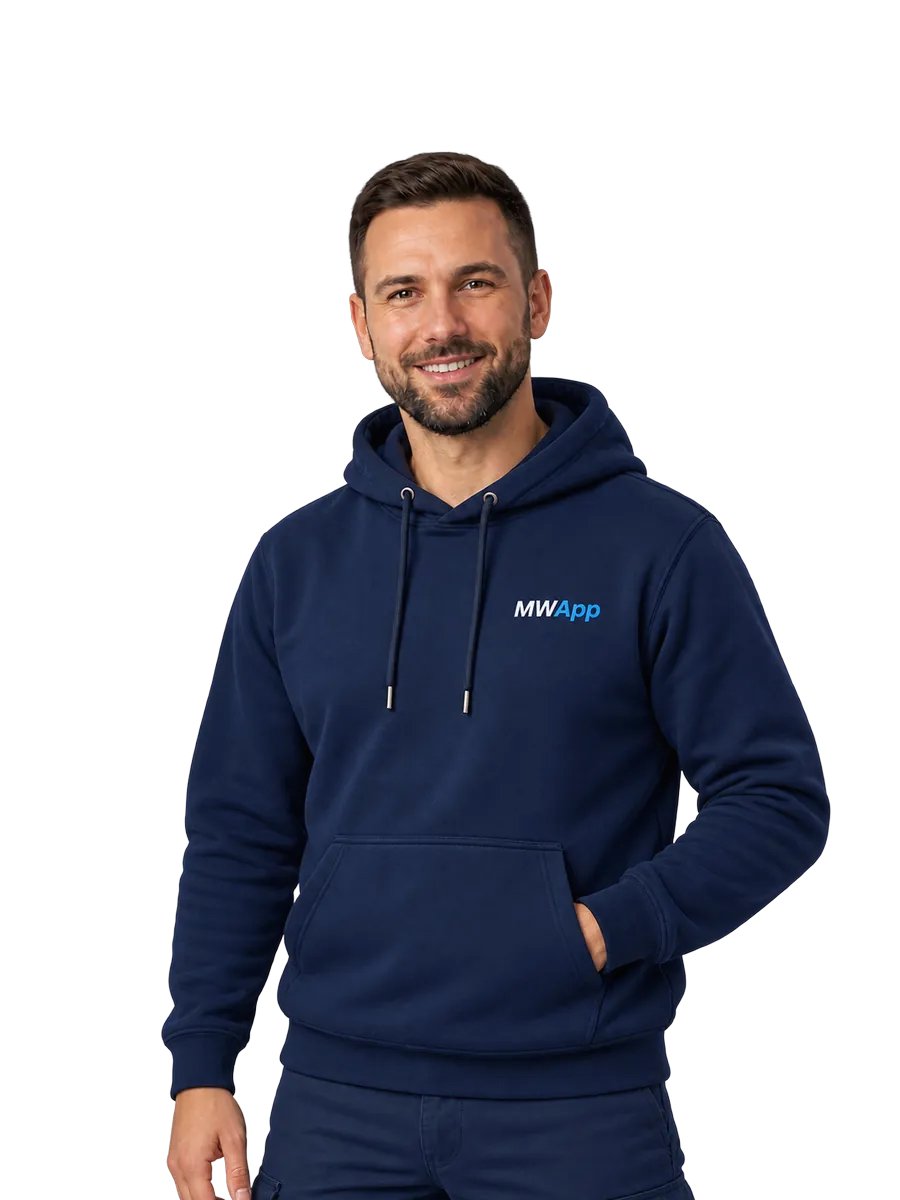
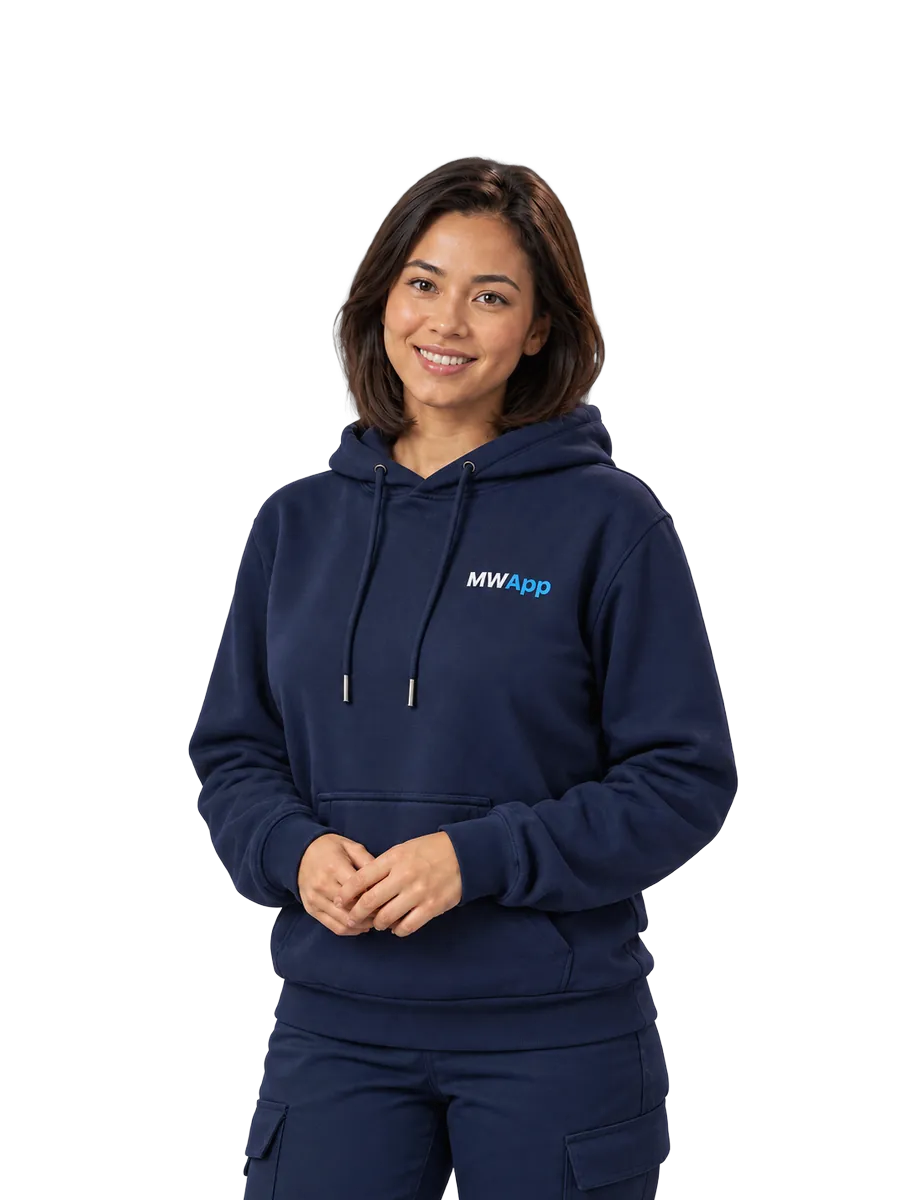
Meet Alex and Grace

On first launch a seafarer chooses an assistant. Both can do the same things — choose who you'd like to talk with.

Alex, MWApp Assistant
Alex
MWApp Assistant
Grace, MWApp Assistant
Grace
MWApp Assistant

The assistant is built into the app and works without internet: it understands questions in five languages and answers from the port card. If there is no checked data, it says so — it never makes things up. The seafarer's name is used only to address them correctly, and it is stored only on the phone. An online assistant that understands free speech is being prepared. Assistant and language can be changed at any time in Settings.

Privacy comes first

Conversations with the assistant are kept only on the seafarer's phone and are not sent anywhere. An employer or shipping company never receives the content of a request, or the fact that one was made; the same goes for Wellness use. The name is stored only on the device and can be deleted at any time in Settings.

Behind Every Port Card

MWApp Port Coordinator

Every port card is kept current by a real local coordinator — the MWApp Port Coordinator. The coordinator checks the port information with the IMWIRSA team before the card goes live; keeping it updated afterwards runs through the IMWIRSA MWApp Bot, a working channel between the Port Coordinator and the IMWIRSA Central Office, with each change reviewed before it goes live.

Guided onboarding — live today

The IMWIRSA team works with each new coordinator directly, step by step, until the port card is checked and ready.

Ongoing updates — via the IMWIRSA MWApp Bot

Once a port is live, small corrections and additions (opening hours, transport, a photo, an urgent notice) are sent through the bot to the IMWIRSA Central Office, checked by the team, and then used to update the Port Card — so the coordinator never has to start over for a single change.

Simple analytics

Planned: how many seafarers viewed the port card and used each service — no separate reporting tool to learn.

9:41●●●● 87%
Coordinator ↔ Central Office
IMWIRSA MWApp Bot
Once your port card is live, send me updates here — I'll pass them to the IMWIRSA team for review, no need to start over.
Update opening hours
One tap, sent to IMWIRSA for review
Change shuttle schedule
Sent to IMWIRSA for review
Send a photo update
Attached and forwarded to the IMWIRSA team
What's Next

Future Development

MWApp gets the fundamentals right first. Here's what is being prepared as the network grows.

Expansion of Port Coverage

New ports and terminals are added gradually, as reliable on-the-spot checking is set up for each.

Online assistant — being prepared

Understands free speech and more languages, remembers the course of the conversation. A limited number of questions per month in Standard, more in Premium.

Wellness zones — being prepared

Professional recovery zones for seafarers — in Premium, where there is a local operator.

Partner discounts

Discounts at shops and services in port — for Premium, once agreements with partners are confirmed.

Premium through a union

Standard is free for every seafarer. Premium is provided and paid for by a participating organisation — a union, a welfare organisation or a mission.

Shaped by feedback

MWApp develops partly through participating unions, which receive aggregated data and seafarers' suggestions.